Skip the line — pay from your phone
Scan the stand’s QR, add what you want while you browse, pay with the card or app you already use, and show a PAID receipt.
Nothing to set up — just scan the QR at the stand.
Every stall sets its own. Self-checkout is something each vendor turns on, and which payment options appear is up to them too — one stand may take card and Venmo, the next cash only. If a stand isn’t set up for it, nothing is lost: just pay at the stall the way you always have.
How it works
Scan
The stand’s QR opens a storefront right in your browser. No app to download, no account to make, nothing to install.
Shop
Tap items and quantities — or enter your own amount — while you’re standing at the actual stand looking at the actual produce.
Pay
Checkout runs on Stripe, on your own phone. Your card never changes hands and never touches the vendor’s device.
Show your receipt
Pay by card and a PAID receipt appears, stamped with the time. The vendor’s register shows the same sale at the same moment. Email yourself a copy if you want one.
Some stands also let you say you paid another way — cash, Venmo, whatever they take. That receipt says you said you paid, and carries no stamp until the vendor confirms it. Show it to them and it stamps itself while you wait.
What happens to your money
Your card never changes hands
You pay on your own phone, through Stripe’s hosted checkout. The vendor never sees or handles your card, and neither does SugarSnapp.
It goes to the vendor, not to us
Payments are processed by Stripe on that vendor’s own account. SugarSnapp takes no cut and never holds the money.
You’re never charged extra
No shopper fee, no surcharge, no markup. The vendor pays only Stripe’s standard card fee — SugarSnapp adds nothing to your total.
No account needed
Your cart lives in your own browser until you pay. There are no ads, and the checkout page you reach by scanning a stand’s code carries no analytics at all — nothing about you is recorded there. This page you are reading now is part of our marketing site, which does measure which pages get read. What that records.
What you’ll see
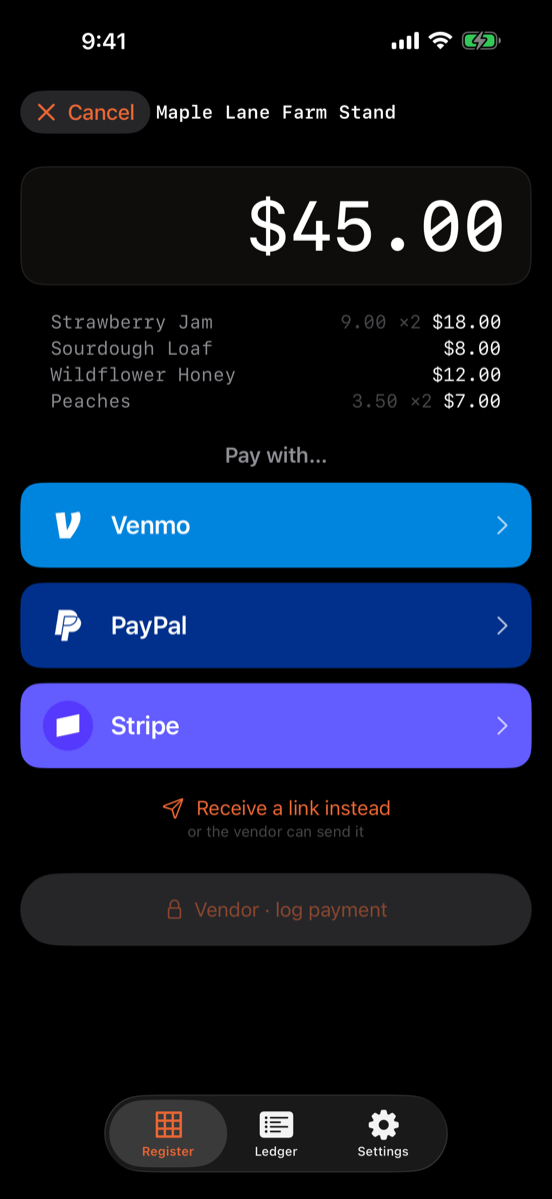
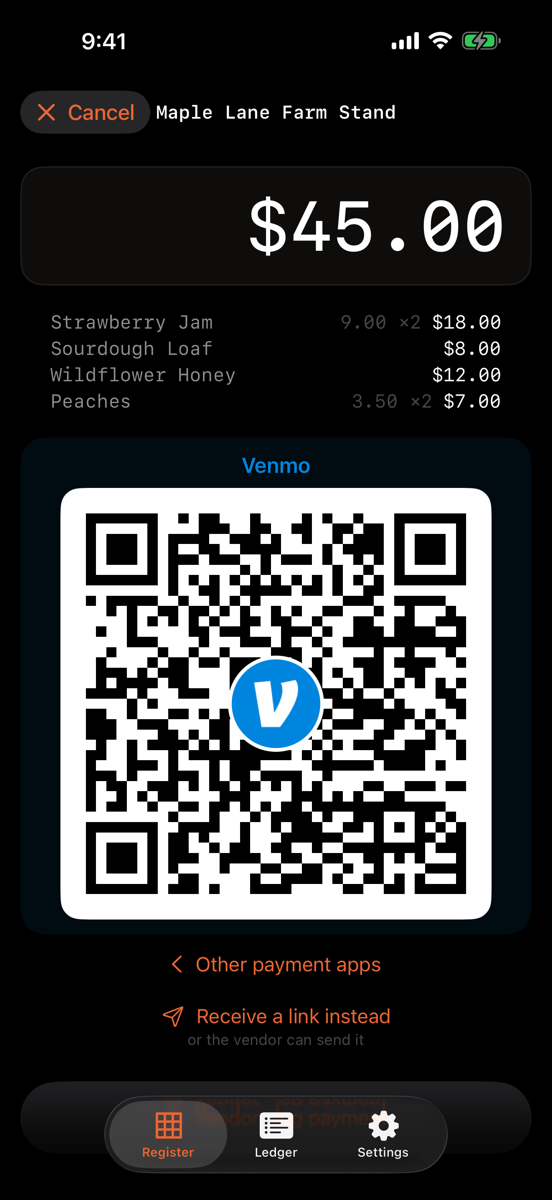
Fair questions
Do I need to download anything?
No. The stand’s QR opens a normal web page in the browser you already have. There is no app to install and no account to create.
Is my card safe?
Yes. Payment is handled by Stripe, on the vendor’s own Stripe account. Your card details go straight to Stripe — they never reach the vendor’s phone, and never reach SugarSnapp.
Does it cost me anything extra?
No. You pay the price on the tag. There is no shopper fee and no surcharge; the vendor pays only Stripe’s standard card fee.
What if I close the page before I show the receipt?
Ask the vendor — your sale is already in their register, marked PAID. You can also email yourself a copy of the receipt at checkout.
What if the stand isn’t set up for this?
Not every stall turns on self-checkout. Just pay at the stand as usual — cash, Venmo, or a card with the vendor all work.
Not shopping?
Selling at markets instead? See the vendor page. Running the market itself? The organizer page covers the manager’s tent.